Core vs Ulysses
Markdown minimalism, or the book-length setup?
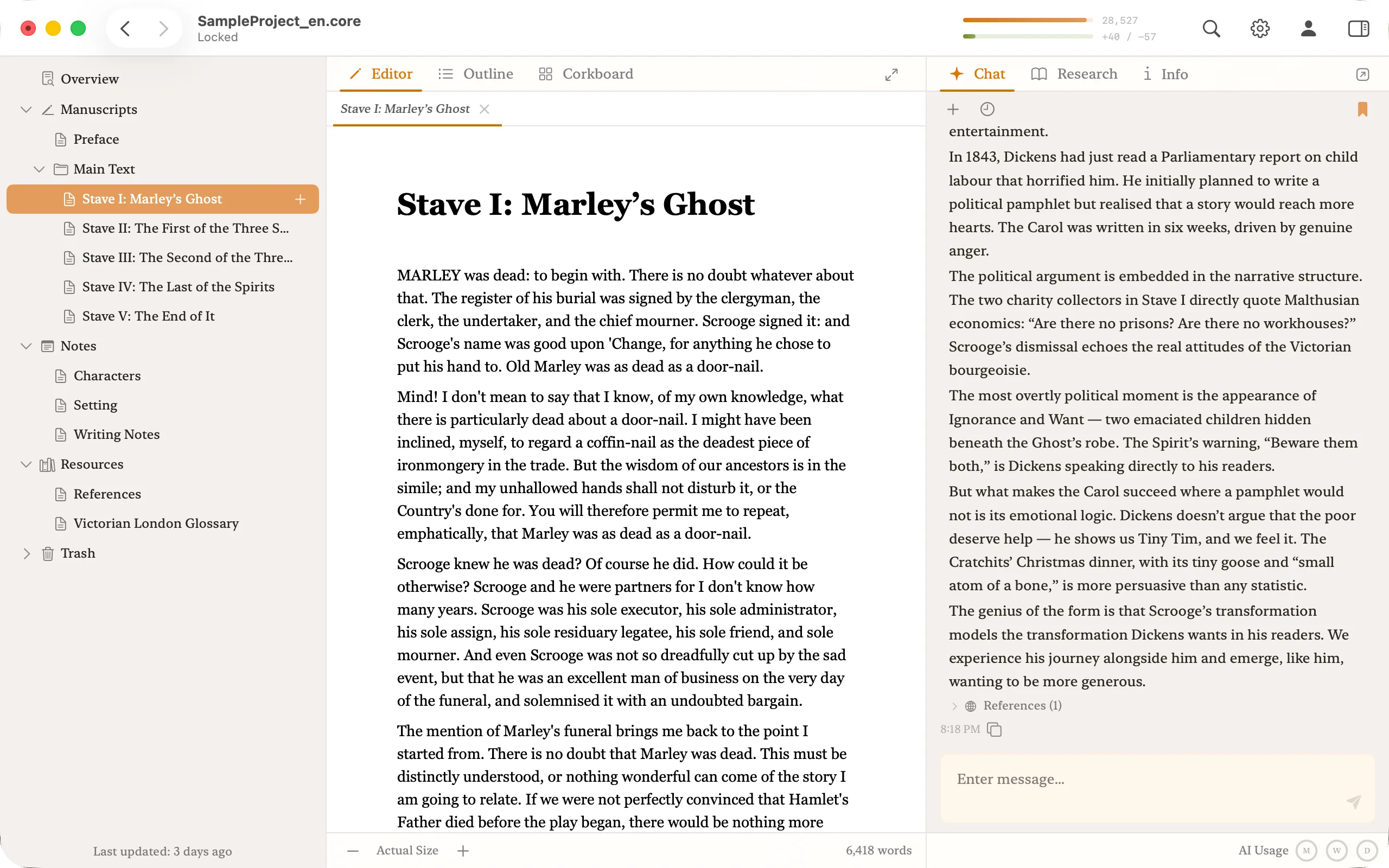
Ulysses is the modern Markdown writing app — clean, iCloud-synced, loved by bloggers and essayists. It has no AI and no research. Core is built for book-length manuscripts: an AI that reads the whole work, research grounded in real bibliographic records, and a corkboard and outliner in the same macOS app.
In brief
Elegant Markdown minimalism across Mac and iPad → Ulysses. A book-length project with AI and research built in → Core.
Feature comparison
| Axis | Ulysses | Core |
|---|---|---|
| Platform | macOS / iOS / iPadOS | macOS 15 Sequoia and later (native) |
| Price | Subscription $39.99/year (monthly plan also available) | Pro USD 6.99/mo (14-day free trial) · Max USD 24.99/mo |
| AI | — | Whole-manuscript AI for critique and back-and-forth |
| Writing unit | Sheet (Markdown) | Chapter / scene tree, corkboard, outliner |
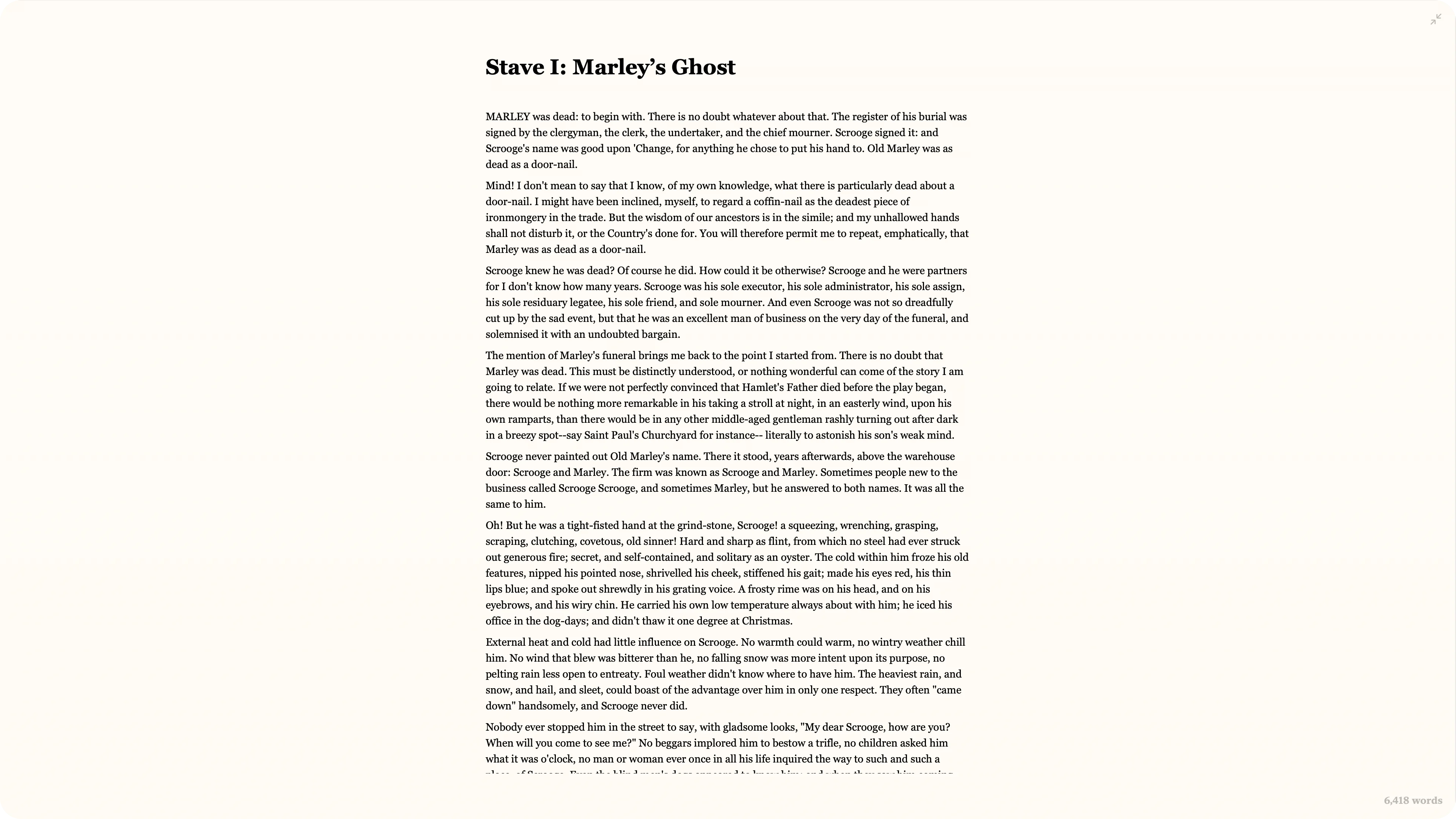
| Rich formatting | Markdown only (bold, italic, headings, lists) | Rich text — footnotes, inline images, ruby, emphasis dots, vertical writing |
| Research | External (browser, notes apps) | National library databases — real records only |
| Publishing | Direct to WordPress, Ghost, Medium | Export to PDF, Word, EPUB |
| Storage | iCloud | Local (.core project) |
Core in action
Ulysses's strengths and weaknesses
Strengths
- Minimal, beautiful UI that stays out of the way.
- Markdown-based — your text stays portable for years.
- Seamless iCloud sync across Mac, iPad, and iPhone.
- Publishes directly to WordPress, Ghost, and Medium.
Weaknesses
- No structure for book-length projects — character sheets, research dossiers, bibliographies.
- No built-in AI.
- No meaningful way to connect to primary-source research.
- No Windows version.
How the AI question changes the app
Ulysses stays AI-free on purpose — minimalism is a design principle. For writers who want AI in their workflow, that means a second app and a lot of context-switching.
Core treats AI as an editor who has already read the whole manuscript. Reviewing chapter 30, you can ask whether a turn contradicts the premise from chapter 1 without any preamble. The AI inherits the project context.
Research for long-form writing
Ulysses organises writing as a hierarchy of sheets — ideal for independent short pieces, less suited to a book with character dossiers, timelines, interview notes, and a bibliography to keep straight.
Core gives you three workspaces (manuscript, outline, corkboard) inside one project, and connects research to national library and archive databases. Citations come from real bibliographic records, not AI-generated prose.
Pricing side by side
Which one to pick
Who Ulysses fits best
Bloggers, essayists, and non-fiction writers who move between Mac and iPad and prefer Markdown.
Who Core fits best
Writers working on book-length manuscripts who want AI and research built into the same app.
Frequently asked questions
- Does Ulysses have AI?
- No. Ulysses has no built-in AI — minimalism is a design principle. If you want AI in the workflow, you pair it with a separate app and accept the context-switching cost.
- Can I run Core on iPad or iPhone?
- Not yet. Core is macOS-native today; an iOS companion is on the future roadmap. The app is built for focused long-form writing sessions on a Mac.
- Is Core a Markdown editor?
- Not strictly. Core is a prose editor that imports and exports Markdown and Word. The manuscript format is designed to preserve rich typography — ruby, emphasis, vertical Japanese — that Markdown can't carry.
Try the book-length setup Ulysses was never built for
Whole-manuscript AI and primary-source research, in one app, free for 14 days.