Core vs Notion
Databases for plots, or an editor for prose?
Notion excels at relational plotting — characters, outlines, research tables, all cross-linked. Prose itself lives in a block editor, on their servers, with shaky offline support. Core puts the manuscript first: a proper editor, local files, and an AI that knows the whole book.
In brief
Relational databases for plots, characters, and outlines → Notion. The manuscript in a proper editor, stored locally, with AI and research built in → Core.
Feature comparison
| Axis | Notion | Core |
|---|---|---|
| Platform | Web / macOS / Windows / iOS / Android (cloud-first) | macOS 15 Sequoia and later (native) |
| Price (individual, with AI) | Plus $10/mo (limited AI) · full AI needs Business $20/mo | Pro USD 6.99/mo (14-day free trial) · Max USD 24.99/mo |
| Storage | Cloud-first (offline is unreliable) | Local — your manuscript stays on disk |
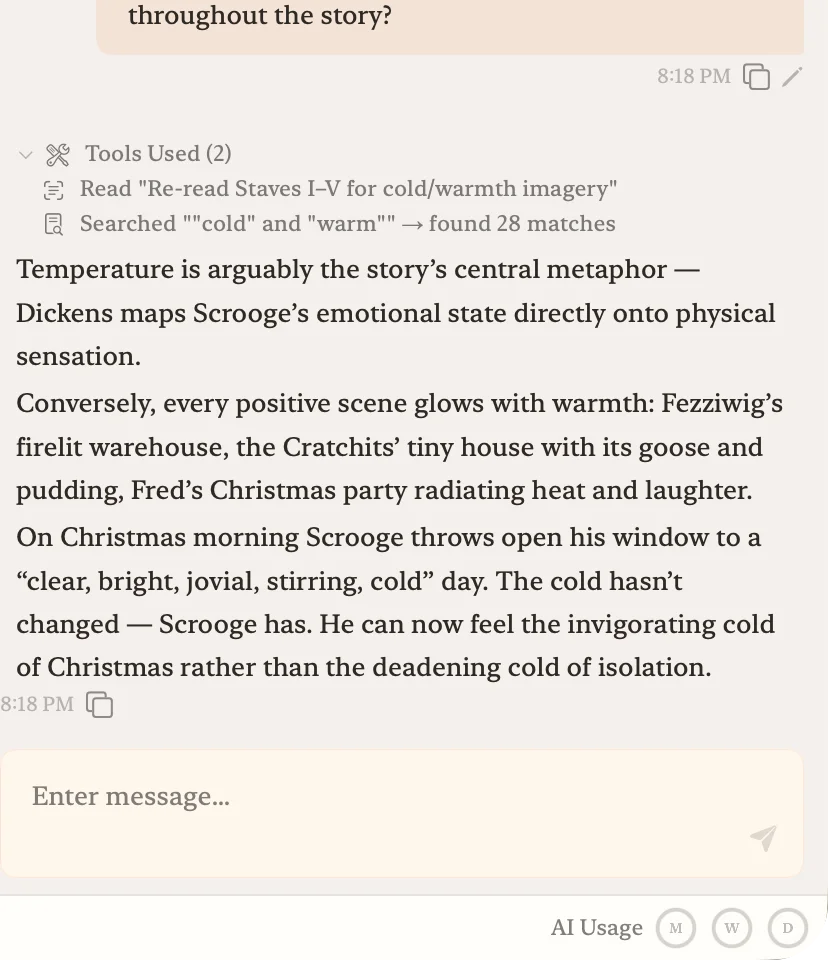
| AI | Notion AI: drafting, summarizing, Ask Notion | Whole-manuscript AI for critique and back-and-forth |
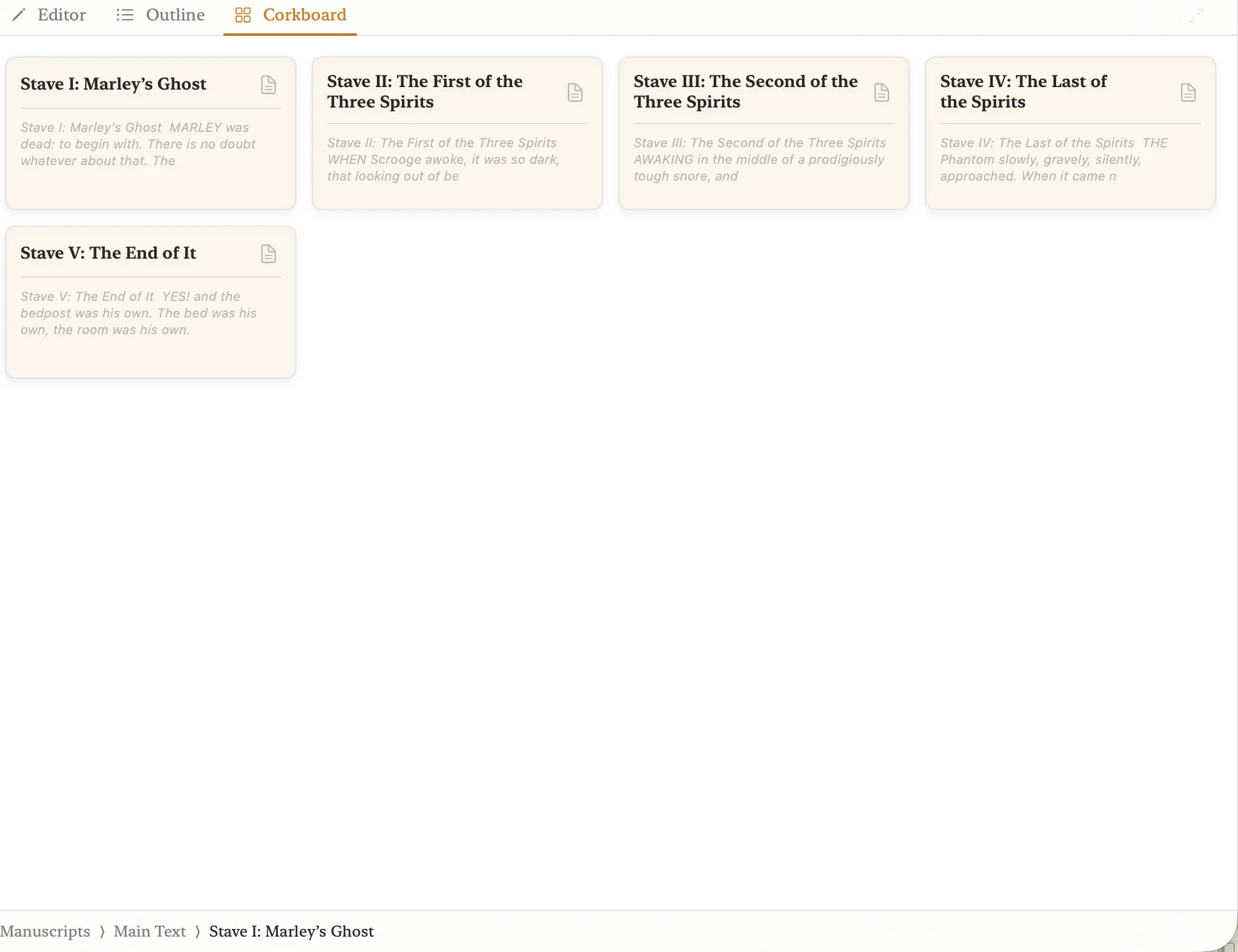
| Structure | Databases (plots, characters, timelines) | File tree, corkboard, outliner |
| Rich formatting | Block-based (pages, tables, callouts) — not document formatting | Document-level rich text — footnotes, inline images, Japanese typography |
| Research | Paste URLs or PDFs into databases | National library databases — real records only |
| Export | Markdown, PDF, HTML | PDF, Word, EPUB |
Core in action
Notion's strengths and weaknesses
Strengths
- Relational databases for plots, characters, timelines, and research notes.
- Same data from any device.
- Usable even on the free tier; many templates for novel writing and outlining.
- Notion AI handles drafting, summarizing, and translation inside the workspace.
Weaknesses
- Offline editing is unreliable — writing on a plane or a bad connection is a problem.
- The writing surface is a block-based editor, not a prose editor. Typography is limited.
- Full AI requires the Business plan at $20/mo. The workspace is wide, not writing-focused.
- Research lives in databases. Nothing prevents fabricated citations — you verify by hand.
- Your manuscript lives on their servers, not on your disk.
Where Notion runs out of road for prose
Notion is a general workspace. Plots, characters, timelines, interview notes, schedules — you can cross-link all of them in databases, and for planning a novel that's a real strength.
Once you're drafting, the constraints show up. The block-based editor is less responsive than a dedicated prose editor; offline editing is unreliable; your manuscript lives on Notion's servers. Plenty of writers plan in Notion and draft somewhere else.
Manuscript and research in the same app
Core keeps manuscript, notes, and research inside a single local .core project, with three workspaces you can switch between. It's a different shape from Notion's databases — closer to Scrivener — but with AI and research built in.
The AI reads everything in the project. You can ask whether a claim in chapter 12 contradicts a premise from chapter 1, and the answer is grounded in the actual manuscript. Drafting keeps working offline; AI features require a network.
Research goes through national library and archive databases — real bibliographic records, returned directly, with no LLM prose layer to invent citations.
Pricing side by side
Notion's pricing page puts Plus at $10/month with limited AI; full AI (agents, AI meeting notes) now requires the Business plan at $20/month for an individual — the separate $8/month AI add-on was discontinued in 2025. Core is USD 6.99/month with editor, AI, and research all in.
Which one to pick
Who Notion fits best
Writers who want plots, characters, research, and schedules all cross-linked in a database — and who write across multiple devices.
Who Core fits best
Writers who want the manuscript in a real editor, stored locally, with AI and research built in.
The two can coexist. Plan in Notion, draft in Core. Many writers land there naturally.
Frequently asked questions
- Can I write a novel in Notion?
- You can draft in Notion, and plenty of writers do. Planning and databases are a real strength; the block editor, cloud-only storage, and unreliable offline mode become friction points once you're writing long-form prose.
- How is Core's AI different from Notion AI?
- Notion AI searches across pages and databases in a workspace. Core's AI loads the whole manuscript — every chapter, note, and research entry — into every conversation, tuned for long-form prose, not workspace search.
- Can I use Notion for planning and Core for writing?
- Yes — that pairing is common. Notion handles cross-linked plotting and research tables; Core handles the draft with AI and local storage.
Keep Notion for planning; try Core for the prose
Use the 14-day free trial to feel what whole-manuscript AI and primary-source research are like alongside your draft.